N8N Chat Widget

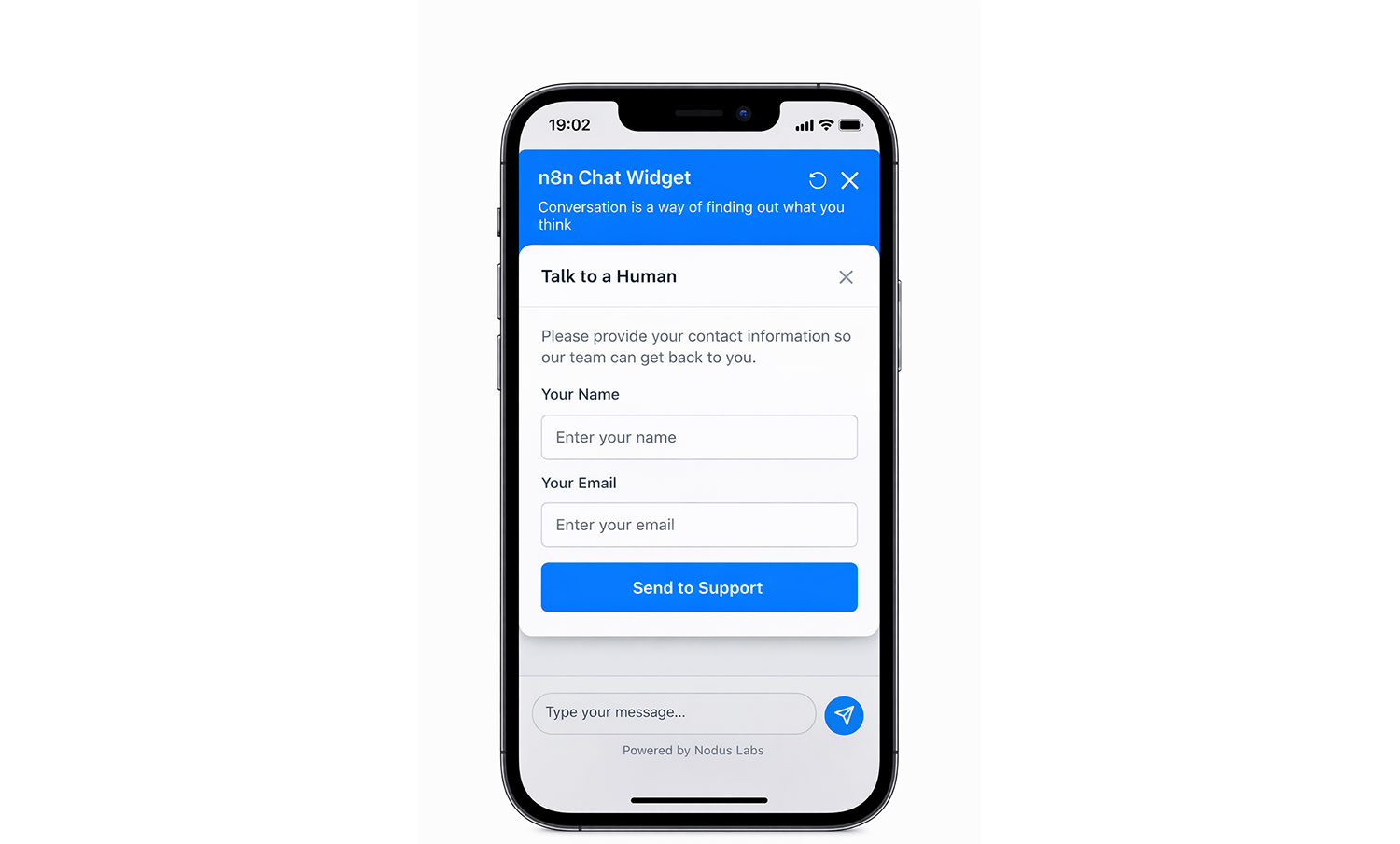
Build a customizable chat widget that connects to your N8N workflows. Embed it on your website / Zendesk portal or use the popup mode.

Get Started Login
🎨

Fully Customizable

Match your brand with custom colors, messages, and positioning

🔗

N8N Integration

Connect directly to your N8N webhooks for powerful automations

📱

Responsive Design

Works beautifully on desktop and mobile devices

📊

Analytics

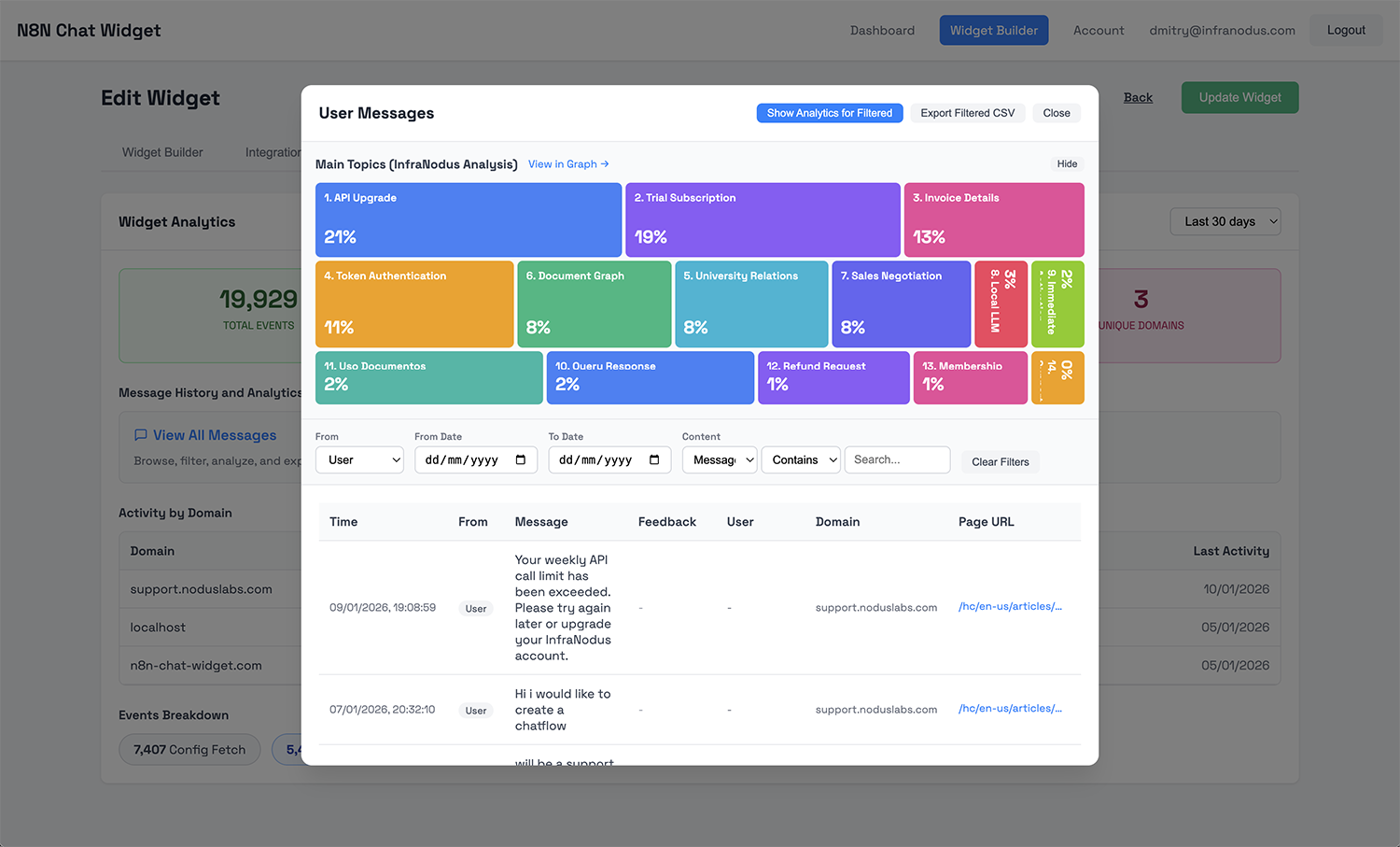
Managed hosting and analytics with message history

Try It With Your Own n8n Webhook:

Use our sample templates →
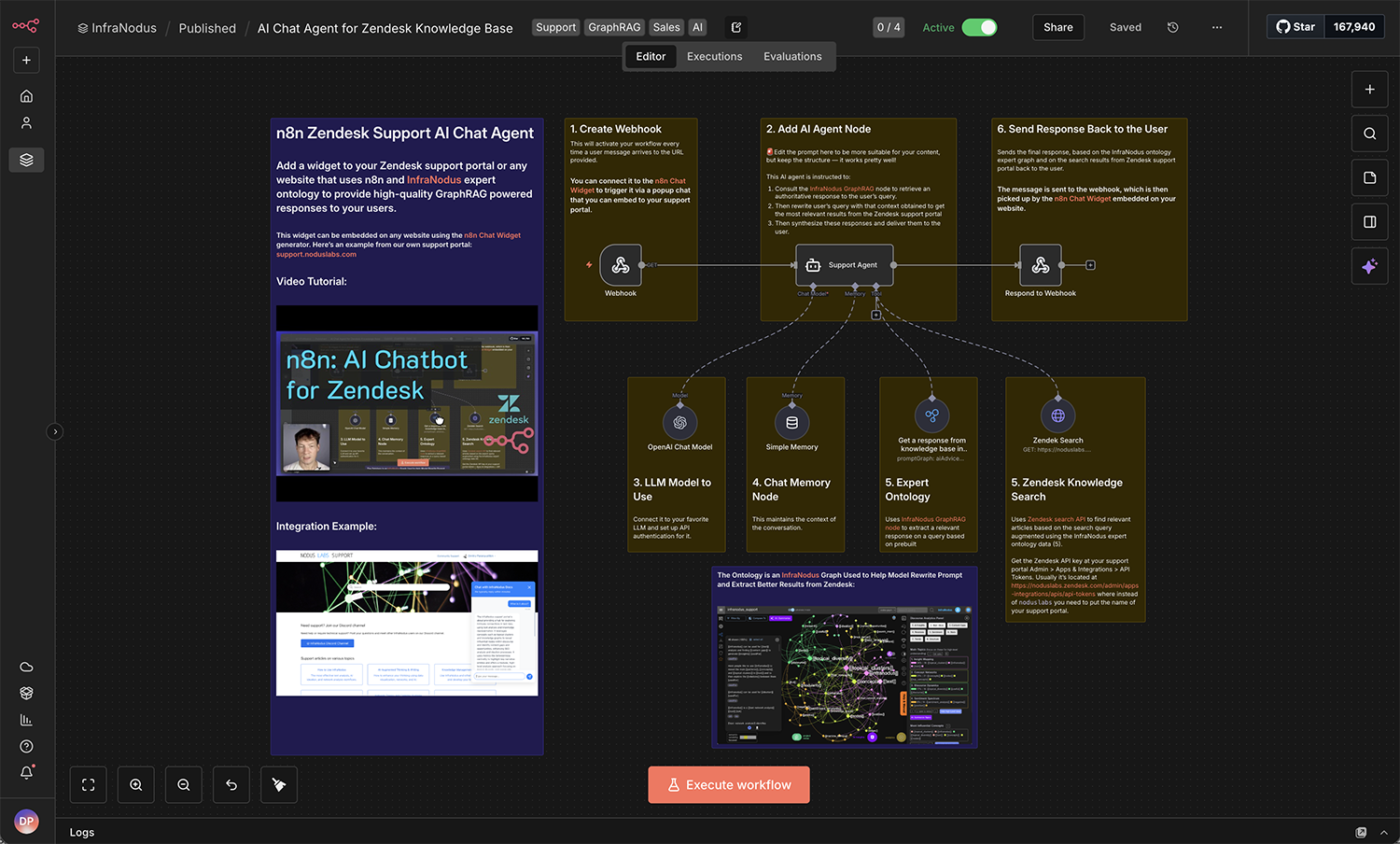
  1. Build your AI chatbot workflow in n8n with a webhook trigger
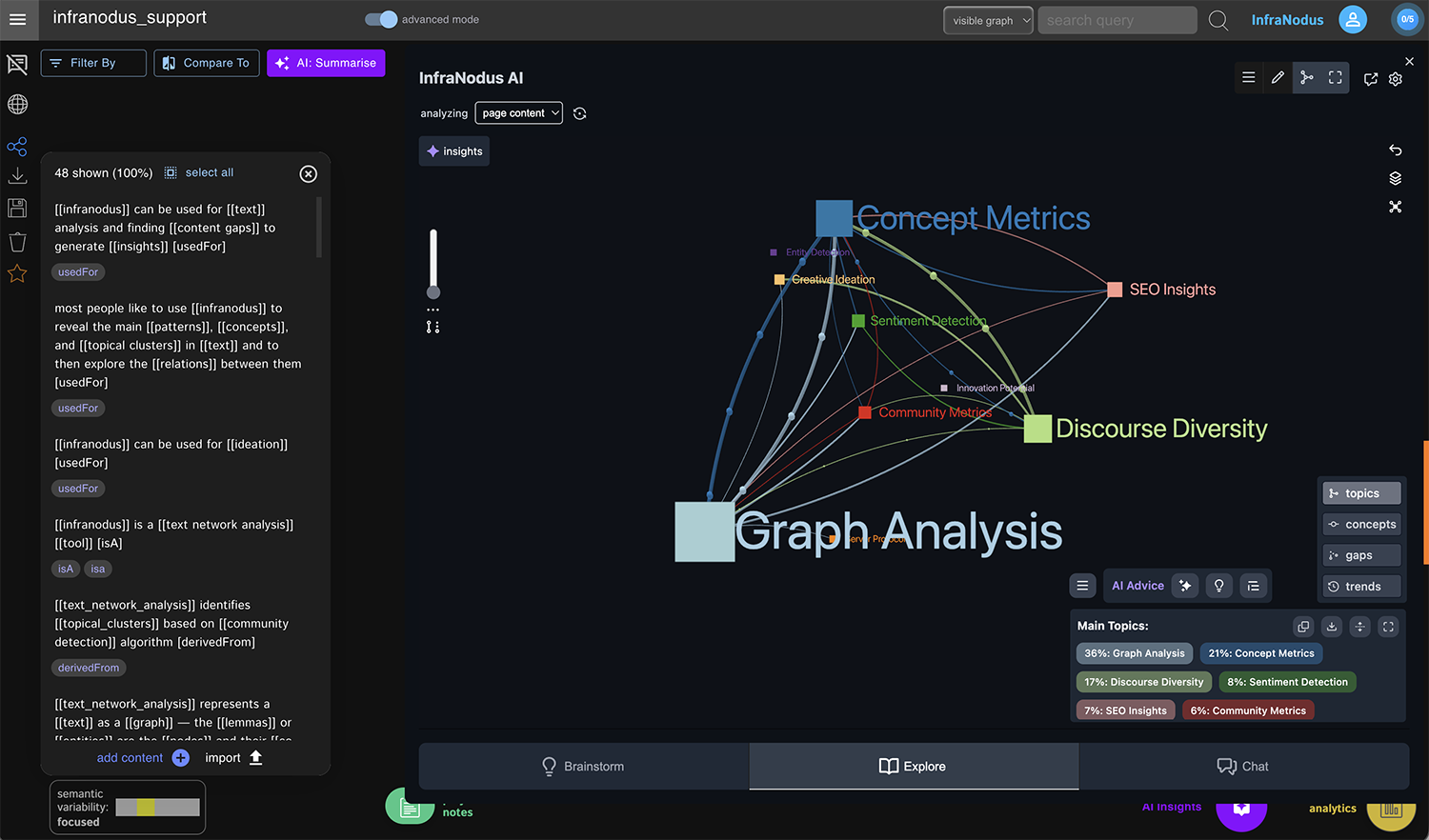
  2. Use InfraNodus to add expert knowledge / Graph RAG capability to retrieve content
  3. If you use ZenDesk, use the HTTP node to connect it to your knowledge base.
  4. Alternatively, use the official n8n node from InfraNodus to retrieve content directly from your InfraNodus graph. No vector database needed.
  5. Use the webhook URL to create a self-hosted (or CDN-delivered) popup chat. Try it now - paste your webhook test URL, click "Execute Workflow" in n8n, and click the chat button:

    Sign up or login for more customization options, analytics, and managed hosting.

    Embed it on your website:

  6. Sign up for an account to use Managed widgets with analytics, message history, CDN hosting, full customization, direct URL and iFrame embed modes, centralized management, and automatic updates.
N8N Chat Widget Template

Integration Examples:

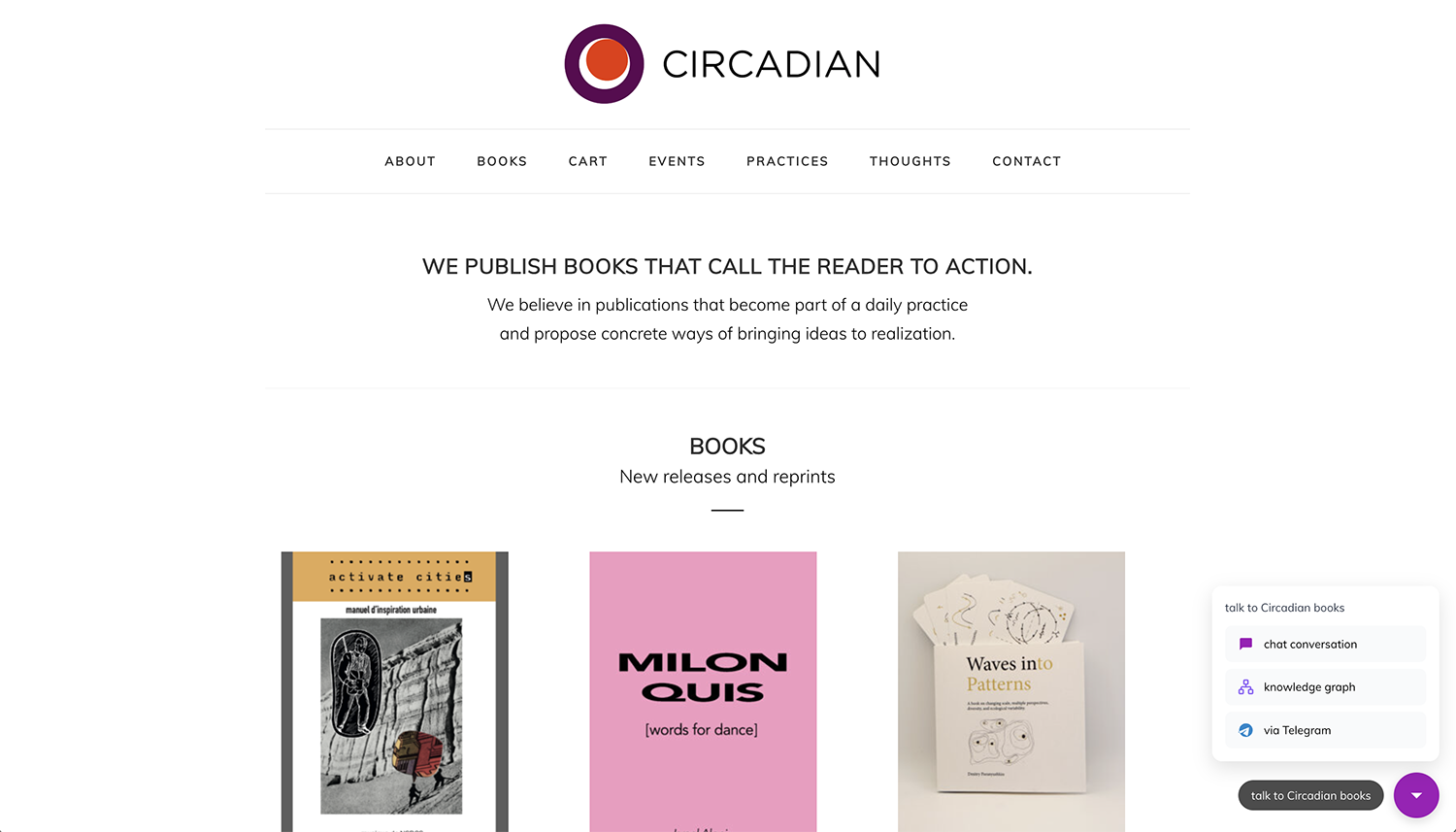
You can embed the widget on your website or use the popup mode. Learn more on our support portal →
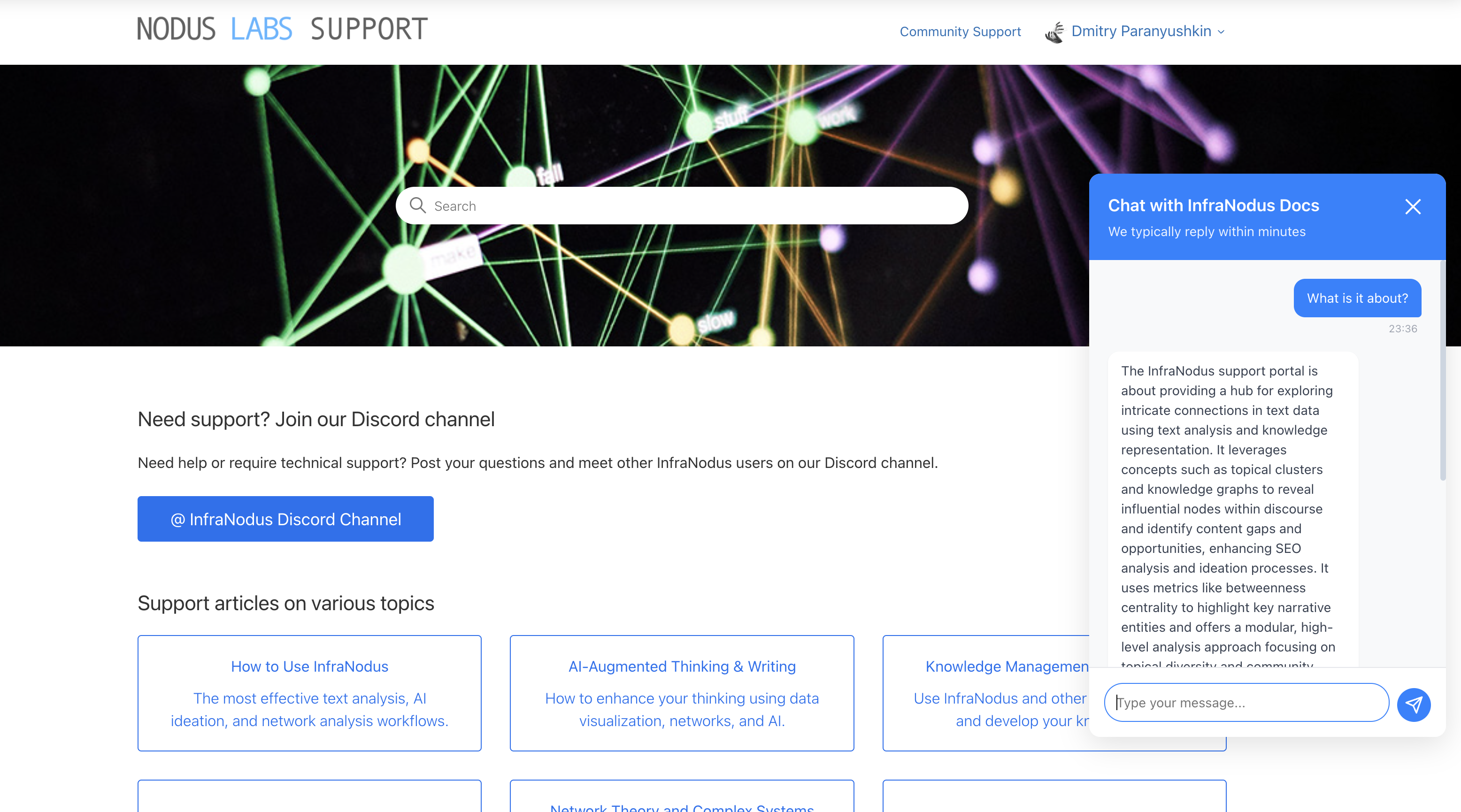
  1. Build a custom AI chatbot agent for your Zendesk Knowledge portal .
  2. Build AI chatbot with a custom expert knowledge graph to improve the quality of responses.
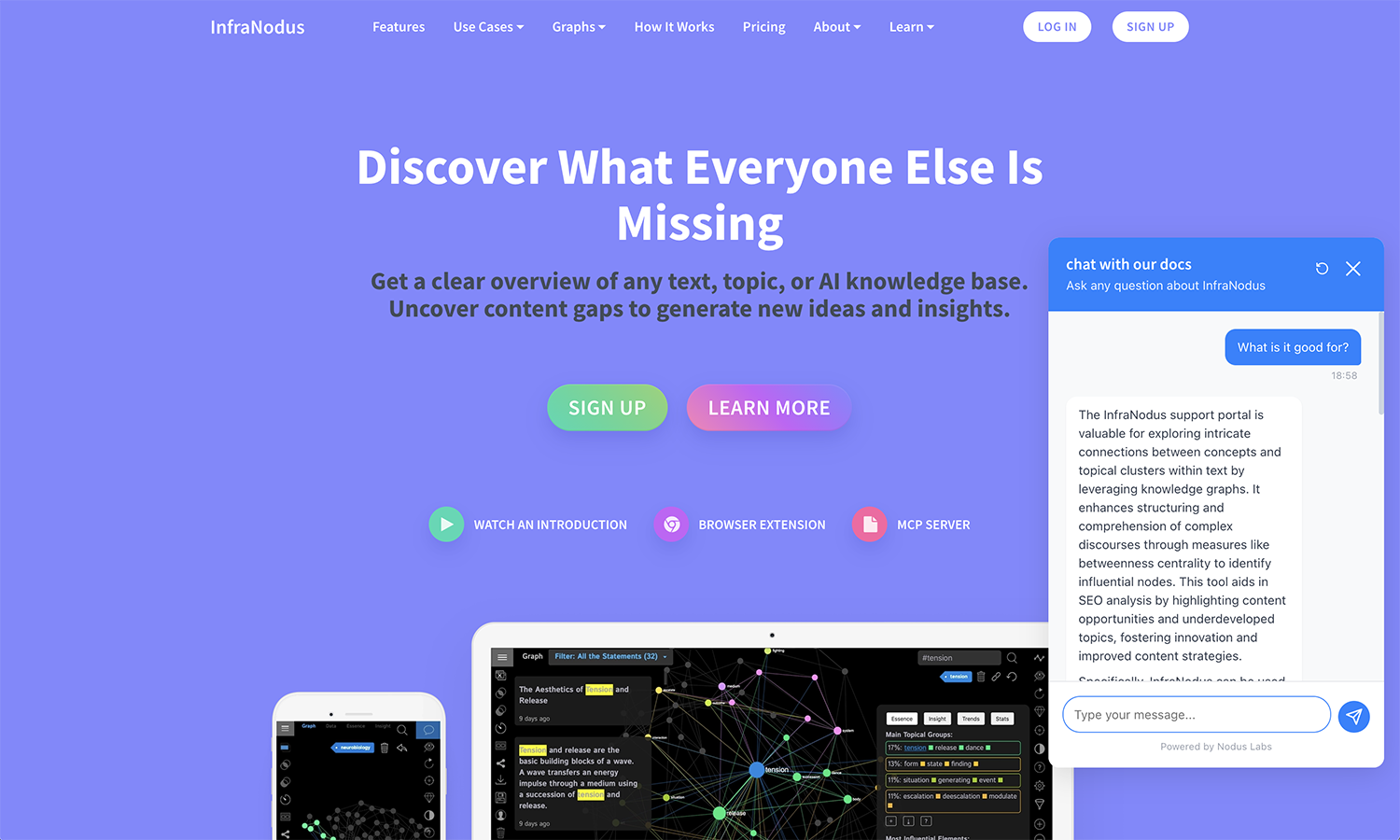
Example of the popup widget on a Zendesk portal